Construction Stage
This is where the work happens.
Construction is the active work phase — your crew is on-site, executing the scope, pouring concrete, setting rebar, doing the job you were hired to do.
What Is Construction?
Construction is the execution phase. All the planning (Pre-Con) and setup (Mobilization) were prep. Now you're actually doing the work.
You're doing:
- Daily work execution (pour concrete, set rebar, grade, etc.)
- Daily reports and progress tracking
- Safety monitoring
- Quality control
- Material management
- Coordinating with other trades
- Tracking change orders
- Solving field issues as they arise
Duration: Varies widely — could be days, weeks, or months depending on the scope.
When Does Construction Start?
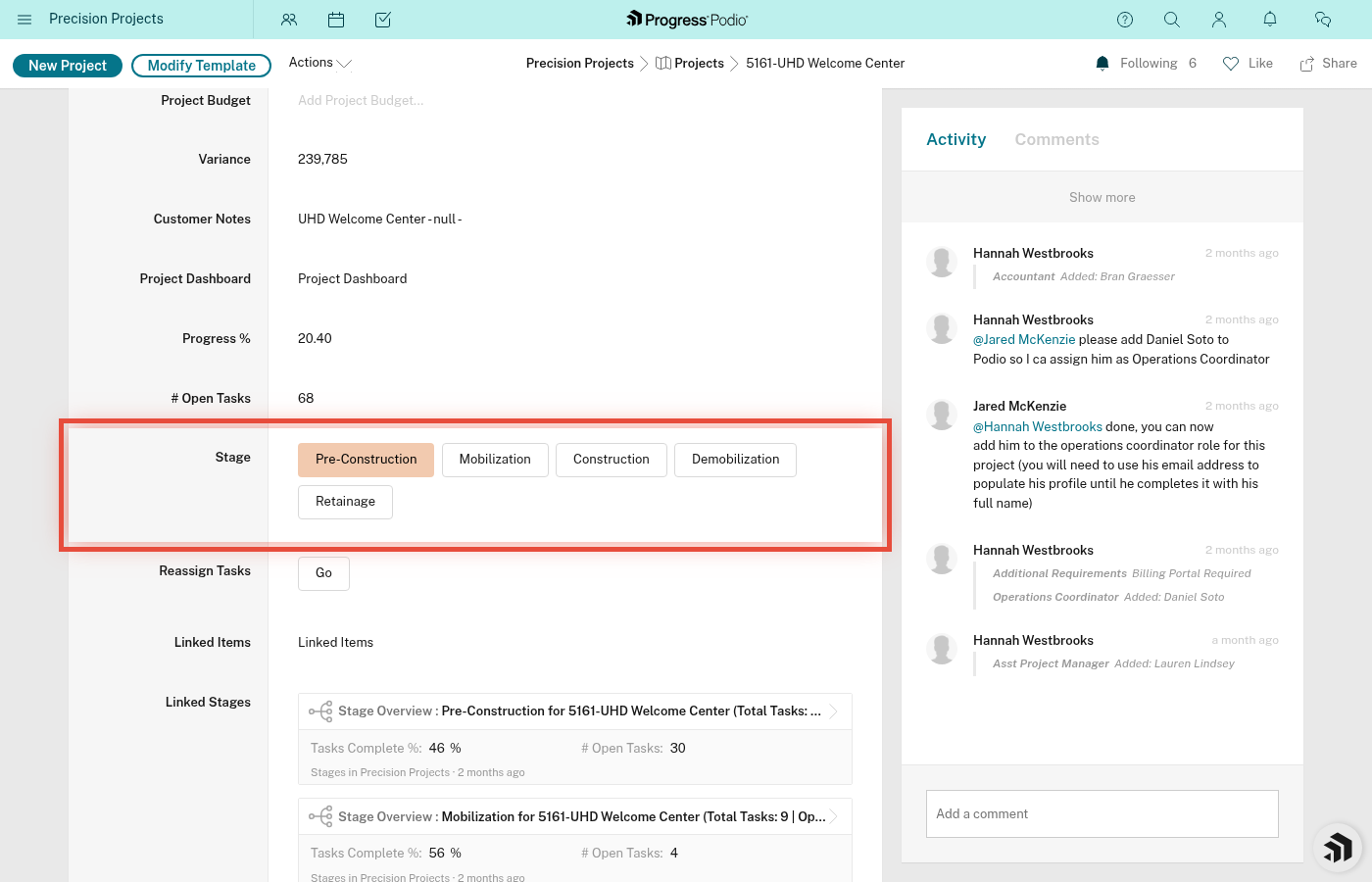
Construction starts when you advance from Mobilization.
When Mobilization is done (site is set up, crew is ready, equipment is on-site), you change Current Stage Status to "Construction Active".
Within 2-3 minutes, Podio creates tasks for Construction.
How Many Tasks in Construction?
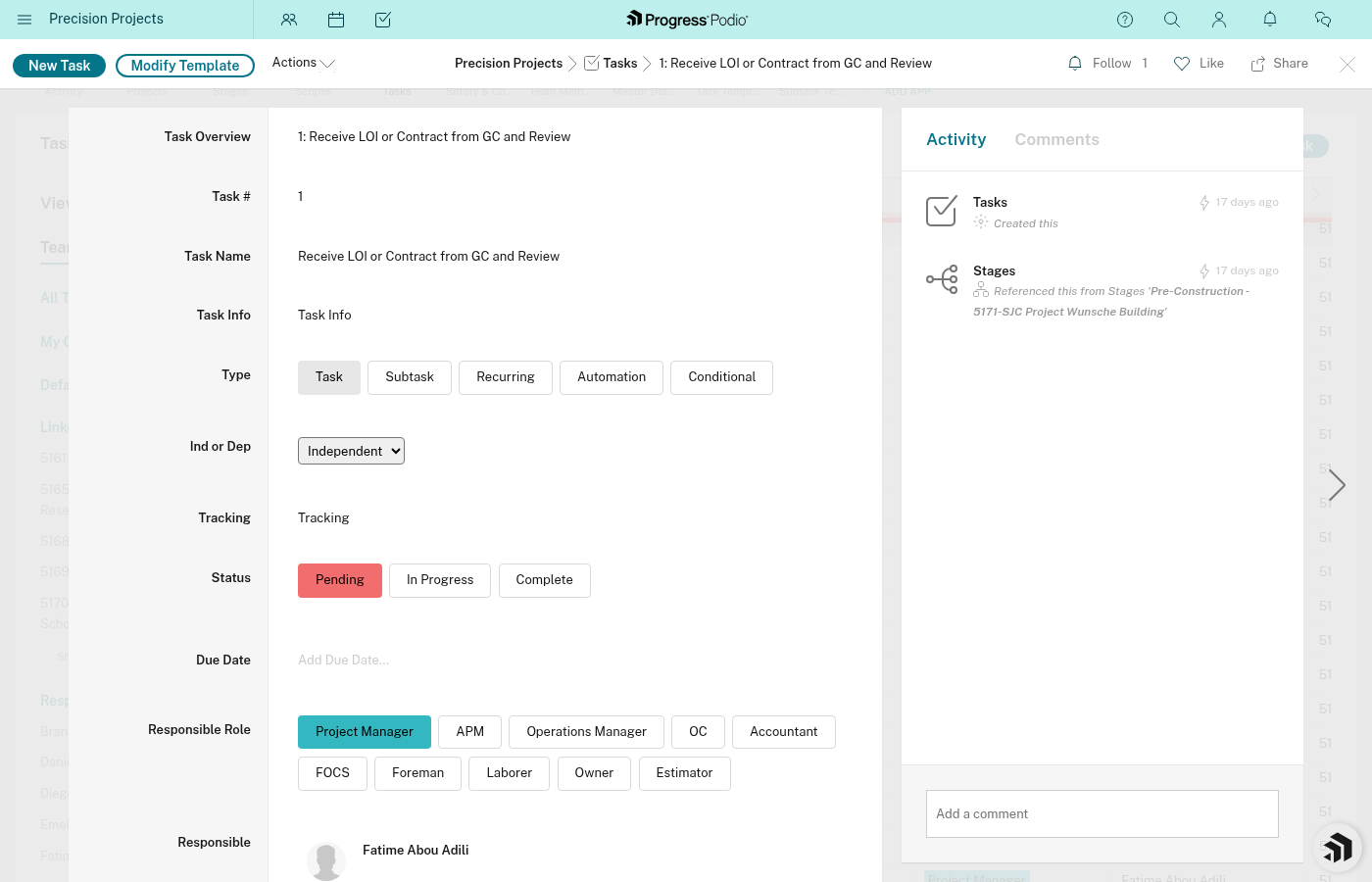
For Concrete division: 19 recurring tasks.
Construction tasks are mostly recurring (daily reports, weekly billing, material/equipment orders) and fire on a weekly cadence while the stage is active.
Major Categories of Construction Work
1. Daily Work Execution
The actual scope of work.
Tasks are specific to your scope:
- Concrete: Pour foundations, set forms, place rebar, finish flatwork, cure concrete
- Earthwork: Grade site, excavate, compact fill
- Utilities: Install pipes, backfill trenches
Why it matters: This is what you're getting paid for. Execute it right.
2. Daily Reports
Track what happened each day.
Tasks may include:
- Complete daily work log
- Document crew hours
- Record equipment usage
- Note weather conditions
- Document work completed
- Flag issues or delays
- Take progress photos
Why it matters:
- Proves work was done (documentation for billing)
- Tracks progress against schedule
- Creates a record if disputes arise
- Helps with future estimating
Tip: Don't skip daily reports. Do them at the end of each day while it's fresh. Trying to recreate them a week later is painful and inaccurate.
Daily report task or template - Task for daily reporting
3. Safety Monitoring
Keep the site safe every single day.
Tasks may include:
- Daily safety inspections
- Toolbox talks (ongoing safety discussions)
- Incident reporting (if anything happens)
- PPE checks
- Hazard identification and mitigation
Why it matters: Construction is dangerous. Vigilance saves lives.
Never skip safety. Ever.
4. Quality Control
Make sure the work meets standards.
Tasks may include:
- Inspect work before it's covered/finalized
- Verify dimensions and placement
- Test materials (concrete slump tests, compaction tests, etc.)
- Document inspections
- Third-party inspections (if required by GC or code)
Why it matters: Catching quality issues early is cheap. Catching them after the GC rejects the work is expensive.
Quality control inspection task - QC inspection task detail
5. Material Management
Keep materials flowing and organized.
Tasks may include:
- Order additional materials as needed
- Coordinate deliveries (schedule and location)
- Verify delivered quantities
- Track material usage
- Return unused materials (if applicable)
Why it matters: Running out of concrete mid-pour is a disaster. Stay ahead of material needs.
6. Progress Tracking
Know where you are vs. where you should be.
Tasks may include:
- Update percent complete
- Compare actual progress to schedule
- Identify delays and causes
- Communicate progress to PM and GC
Why it matters: If you're falling behind, you need to know NOW so you can course-correct.
7. Change Order Tracking
Scope changes? Track them.
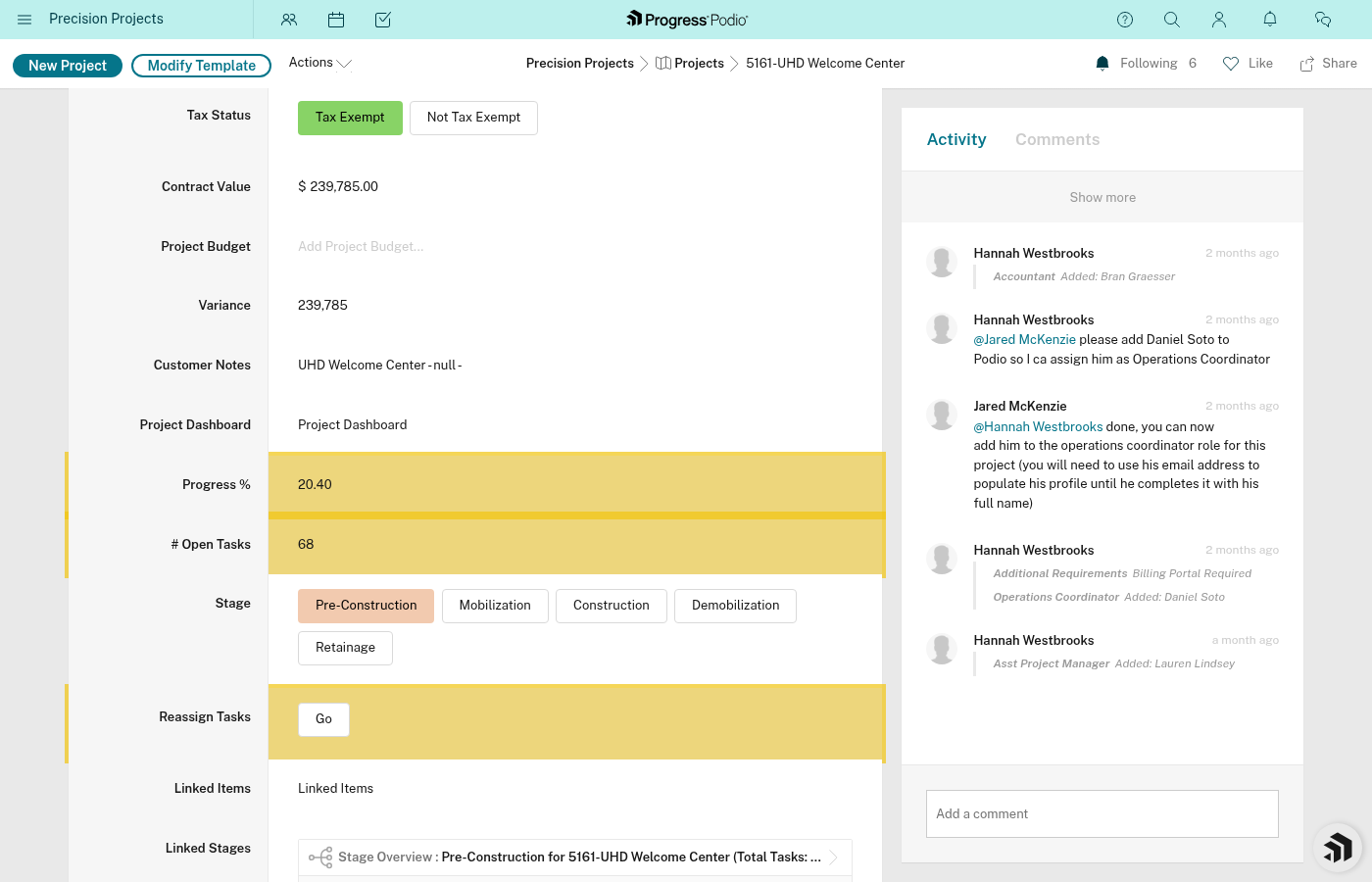
Where CORs are tracked: Change Order Requests live in the AppSheet Purchase Ordering app, not in Podio. Podio does not currently have a separate Change Order app or workflow.
Why it matters: Extra work = extra money. Don't do free work. Document every scope change in AppSheet and coordinate with your PM to keep the Project's Contract Value field updated.
8. Coordination with Other Trades
Construction is a team sport.
Tasks may include:
- Daily coordination with GC superintendent
- Coordinate with trades before/after you (who needs access when?)
- Resolve conflicts (e.g., electrician needs access to area you're working in)
- Attend coordination meetings
Why it matters: You're not the only trade on-site. Play nice, communicate, stay flexible.
9. Issue Resolution
Problems will arise. Deal with them.
Tasks may include:
- Identify field issues (conflicts, unforeseen conditions, etc.)
- Escalate to PM or GC
- Implement solutions
- Document resolution
Why it matters: Construction never goes 100% to plan. How you handle issues determines success.
Tip: Don't hide problems. Surface them early, solve them fast.
Recurring Tasks in Construction
Some Construction tasks happen repeatedly:
Examples:
- Daily work log (every day)
- Weekly safety meeting (every week)
- Weekly progress photos (every week)
How it works: Recurring tasks are duplicated automatically on a weekly cadence via GlobiFlow. This applies to any active stage that contains recurring tasks.
Task Dependencies in Construction
Some Construction tasks depend on others.
Example:
- Can't pour concrete until forms are set and inspected
- Can't backfill until utilities are installed and inspected
Podio tracks these dependencies.
Construction task showing dependency chain - Task with multiple dependencies visible
Construction Timeline
How long does Construction take?
It varies wildly.
Small job (foundation pour): 1-3 days
Medium job (site utilities): 1-2 weeks
Large job (full site development): Weeks to months
Factors:
- Scope size
- Complexity
- Weather
- Crew size
- Material availability
- Other trades' schedules
- Change orders
Plan for delays. Weather, material delays, and coordination issues WILL happen.
How to Know When Construction Is Done
Construction is "done" when:
✅ All work in the scope is complete
✅ Quality inspections passed
✅ GC has accepted the work (or identified punch list items)
✅ Daily reports are up to date
✅ All change orders are documented
✅ Site is ready for demobilization
Note: You might still have punch list items (minor fixes). That's normal. Handle them in Demobilization.
Common Construction Mistakes
❌ Skipping Daily Reports
Problem: "I'll do them all at the end of the week."
Result: You forget details, reports are inaccurate, you can't prove work was done.
Fix: Do daily reports daily. 10 minutes at the end of each day. Non-negotiable.
❌ Not Tracking Change Orders
Problem: GC asks for extra work, you do it, but never document it.
Result: You did free work. GC doesn't pay for it.
Fix: When scope changes, STOP. Document it. Submit a change order. Get approval. Then do the work.
❌ Ignoring Safety
Problem: "We're in a hurry, skip the toolbox talk."
Result: Someone gets hurt.
Fix: Never skip safety. Ever. No schedule is worth an injury.
❌ Poor Communication with GC
Problem: Don't tell GC about delays, issues, or progress.
Result: GC is blindsided, trust erodes, disputes arise.
Fix: Over-communicate. Daily check-ins. Weekly updates. Keep GC in the loop.
❌ Running Out of Materials
Problem: Didn't order enough rebar, concrete, etc.
Result: Work stops mid-task, crew sits idle, money wasted.
Fix: Track material usage. Order ahead. Have buffer stock for critical items.
❌ No Quality Checks
Problem: Rush the work, don't inspect it.
Result: GC rejects it, you have to redo it, lose time and money.
Fix: Inspect as you go. Catch issues early.
Tips for Successful Construction
1. Start Each Day with a Plan
Morning huddle: 5-10 minutes with the crew.
- What are we doing today?
- Who's doing what?
- Any safety concerns?
- Any materials or equipment issues?
Sets the tone for the day.
2. End Each Day with a Report
Daily wrap-up: 10 minutes at end of day.
- What did we complete?
- What's left?
- Any issues?
- What's the plan for tomorrow?
Document it in your daily report.
3. Take Photos Daily
Why:
- Proves work was done
- Documents progress
- Useful for disputes
- Helps with future estimates
What to photo:
- Work in progress
- Completed work before it's covered (e.g., rebar before concrete pour)
- Issues or defects
- Site conditions (weather, access, etc.)
Tip: Store photos in Podio (upload to Documents & Logs on the project).
4. Communicate, Communicate, Communicate
Daily: Check in with GC superintendent
Weekly: Send progress update to PM
Immediately: Report issues, delays, or safety incidents
Over-communication beats under-communication every time.
5. Track Time and Costs
Know how much time and money you're spending vs. budget.
If you're going over:
- Why? (Change orders? Inefficiency? Unforeseen conditions?)
- Can you course-correct?
- Do you need to escalate?
6. Solve Problems Fast
When issues arise:
- Identify the problem
- Escalate if needed (to PM, GC, or engineer)
- Implement solution quickly
- Document what happened and how you fixed it
Don't let issues fester. Small problems become big problems if ignored.
7. Manage the Crew
Your foreman is critical.
Support them:
- Make sure they have what they need (materials, equipment, info)
- Back them up on safety decisions
- Listen when they flag issues
- Recognize good work
A good foreman = a successful job.
8. Respect Other Trades
You're sharing the site.
Be courteous:
- Clean up your mess
- Don't block access
- Coordinate schedules
- Communicate when you need space
Karma is real on construction sites. Help others, they'll help you.
Construction Checklist
Before advancing to Demobilization, verify:
- All scope work is complete
- Quality inspections passed
- GC has reviewed and accepted work (or provided punch list)
- Daily reports are up to date
- Change orders documented and submitted
- Photos taken and uploaded
- Materials accounted for (used, returned, or staged)
- Safety incidents documented (if any)
- Work area is ready for next trade (if applicable)
- All Construction tasks Complete or documented
What Happens After Construction?
Once Construction is done, you advance to Demobilization — cleaning up and closing out the site.
Related Docs:
Remember
Construction is why you're here.
All the planning, setup, and coordination was to make this phase successful.
Execute well:
- Do the work right
- Stay safe
- Communicate constantly
- Document everything
- Solve problems fast
- Respect the crew and other trades
Good construction work = happy GC = more projects.