Quick Reference
Keyboard shortcuts
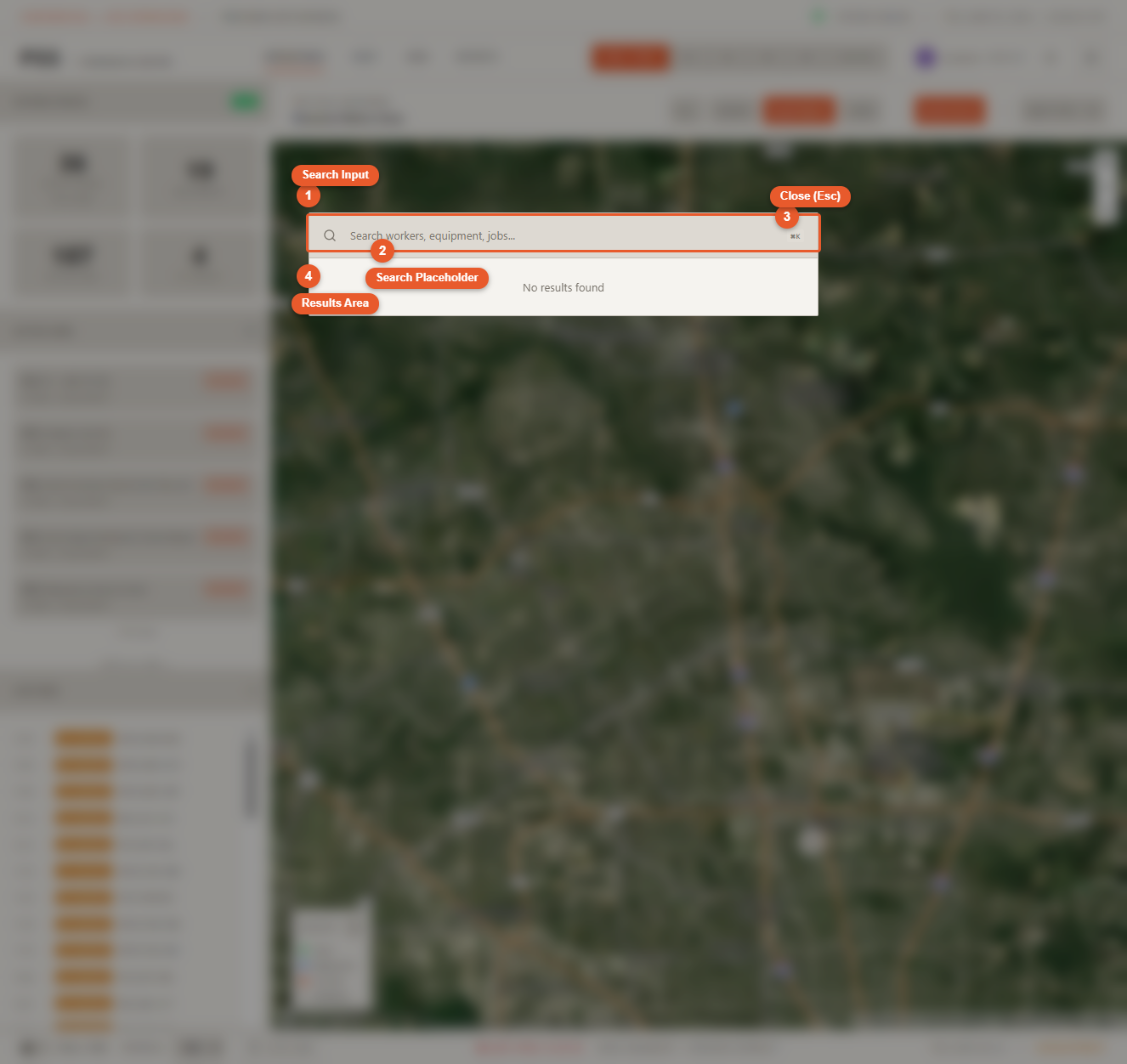
| Shortcut | Action |
|---|---|
Cmd+K / Ctrl+K | Open global search |
Escape | Close search, modal, or detail panel |
Data refresh rates
All data in the Command Center is pulled from live external systems on a schedule. Here is what refreshes when, and why.
| Data | Source | Refresh Rate | Why |
|---|---|---|---|
| Workers | AppSheet | Every 5 minutes | GPS is only captured at clock-in and clock-out, not continuously |
| Purchase Orders | AppSheet | Every 5 minutes | POs are created a few times per day |
| Jobs | AppSheet + Podio | Every 15 minutes | Job data rarely changes intra-day |
| Equipment GPS | Verizon Connect Reveal | Every 30 minutes | Devices report approximately 4 times per day |
| Geofences | Verizon Connect Reveal | Every 1 hour | Geofence boundaries rarely change |
| Geofence Events | Verizon Connect Reveal | Every 5 minutes | Entry/exit events need timely delivery |
| Movement History (today) | AppSheet | Every 60 seconds | Short cache, frequent updates |
| Movement History (past days) | BigQuery / Firestore | On demand | Pre-cached, immutable historical data |
First thing after signing in
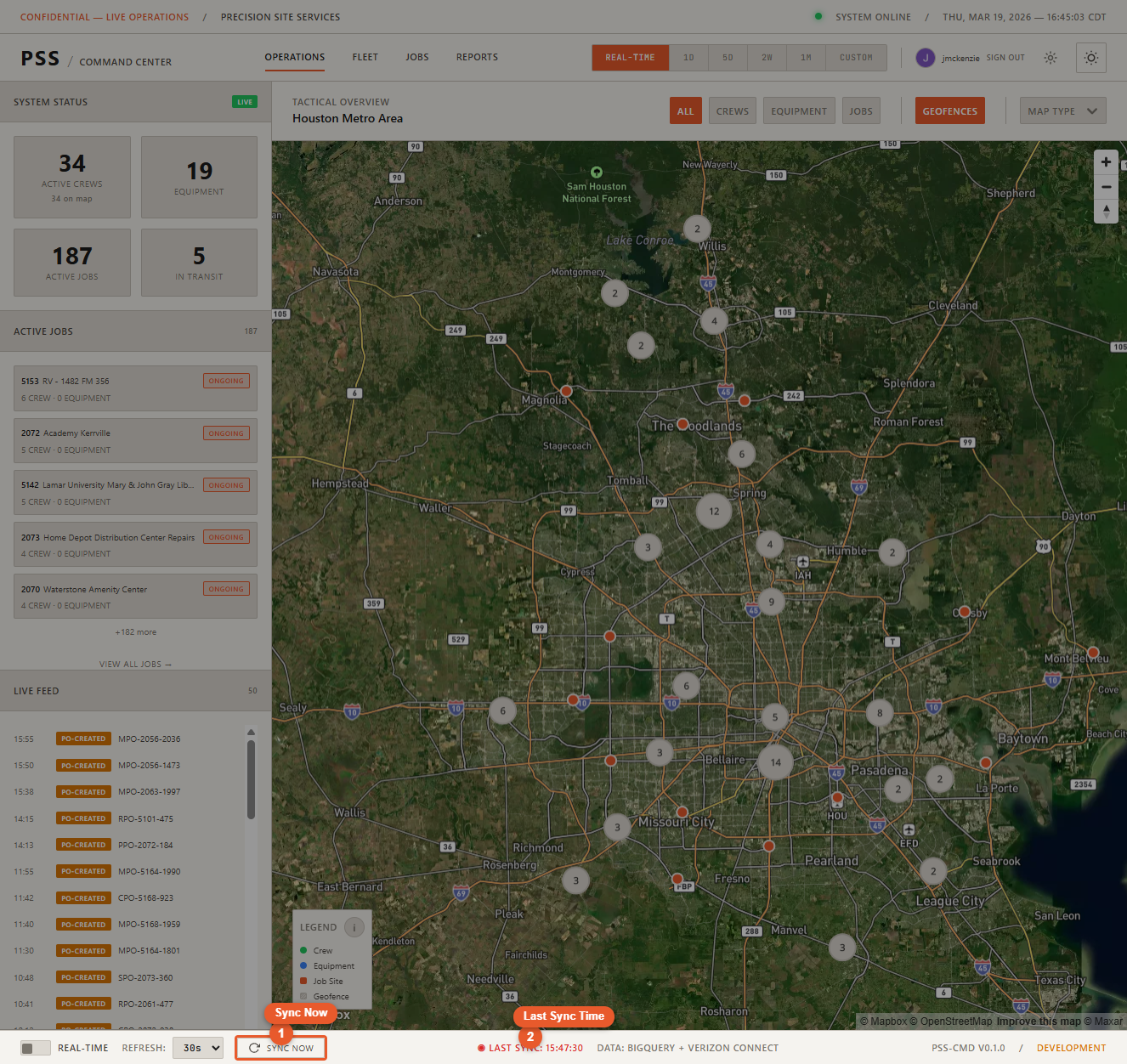
After the boot animation closes, click Sync Now in the status bar. The initial data pull can occasionally finish before all map markers are ready — a manual sync immediately after login ensures everything appears correctly.
Force a refresh anytime
Click Sync Now in the status bar to immediately refresh all data sources simultaneously, regardless of the normal schedule.
Status bar colors
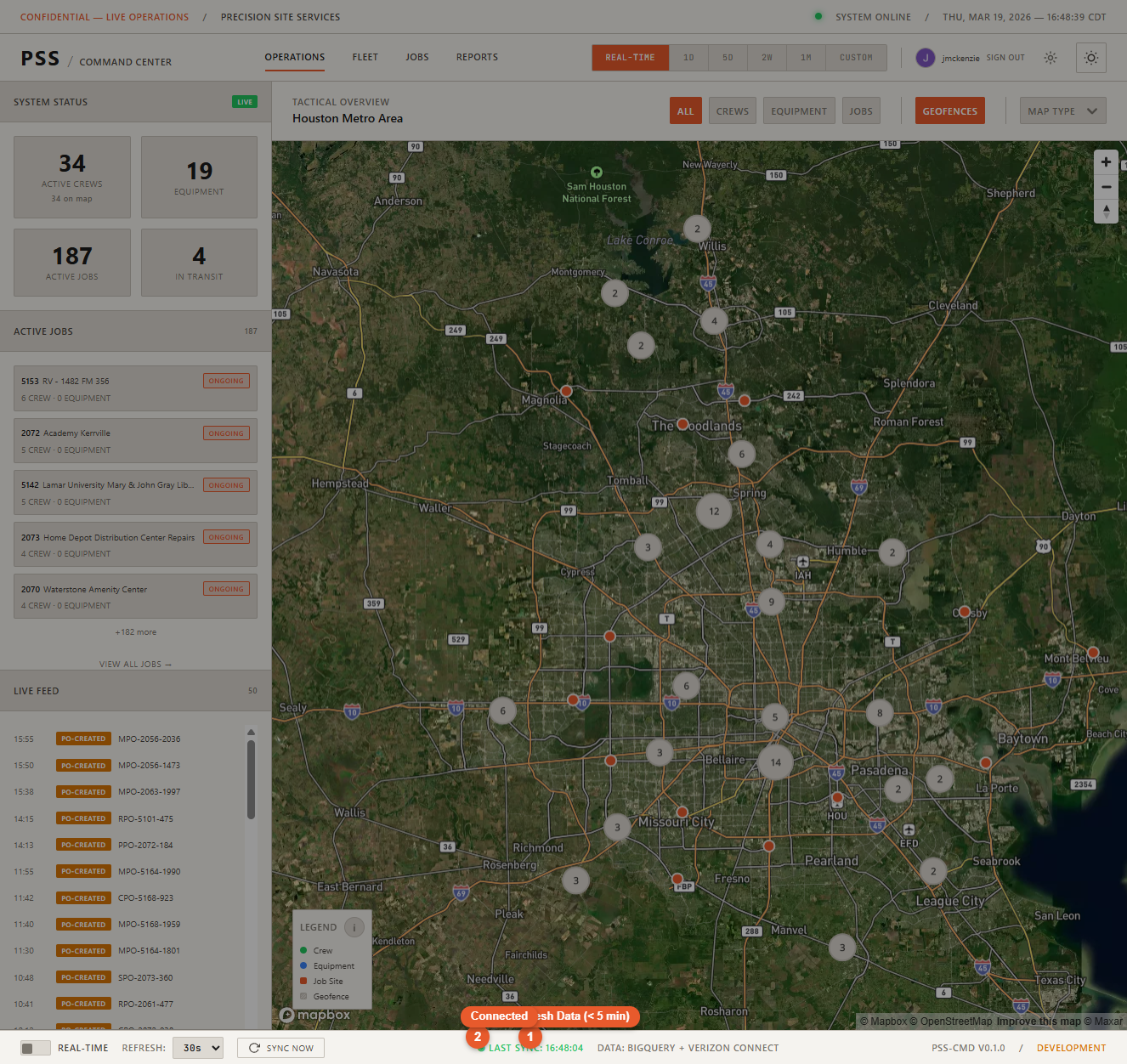
- Last Sync — green — data is fresh (synced within the last 5 minutes)
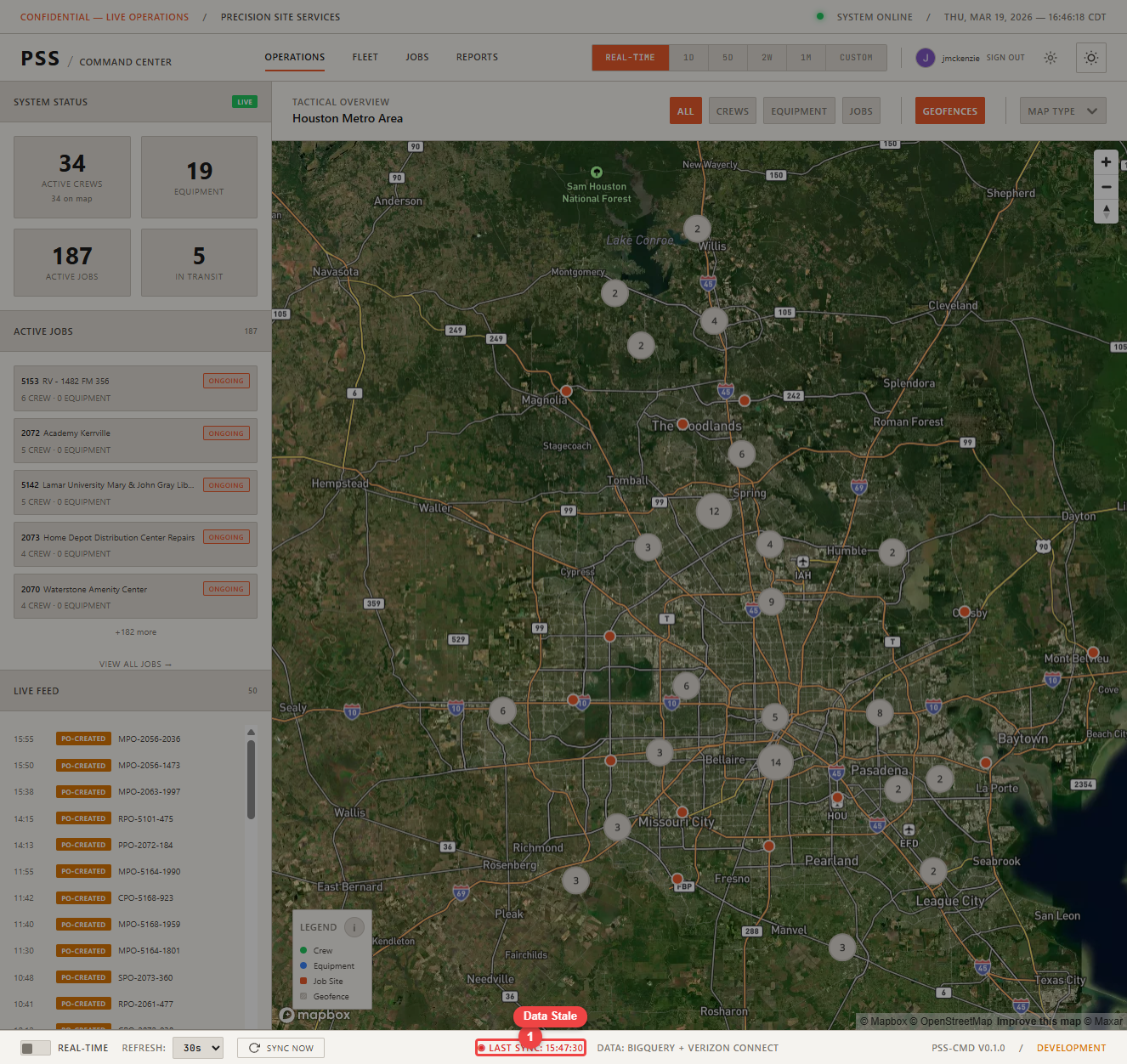
- Last Sync — red — data is stale or sync failed