Signing In
The Command Center uses Google Sign-In and is restricted to authorized Precision Site Services email addresses.
Access requirements
Only accounts on approved company domains can sign in. If your Google account is not on an authorized domain, you will see an access denied message after attempting to sign in.
How to sign in
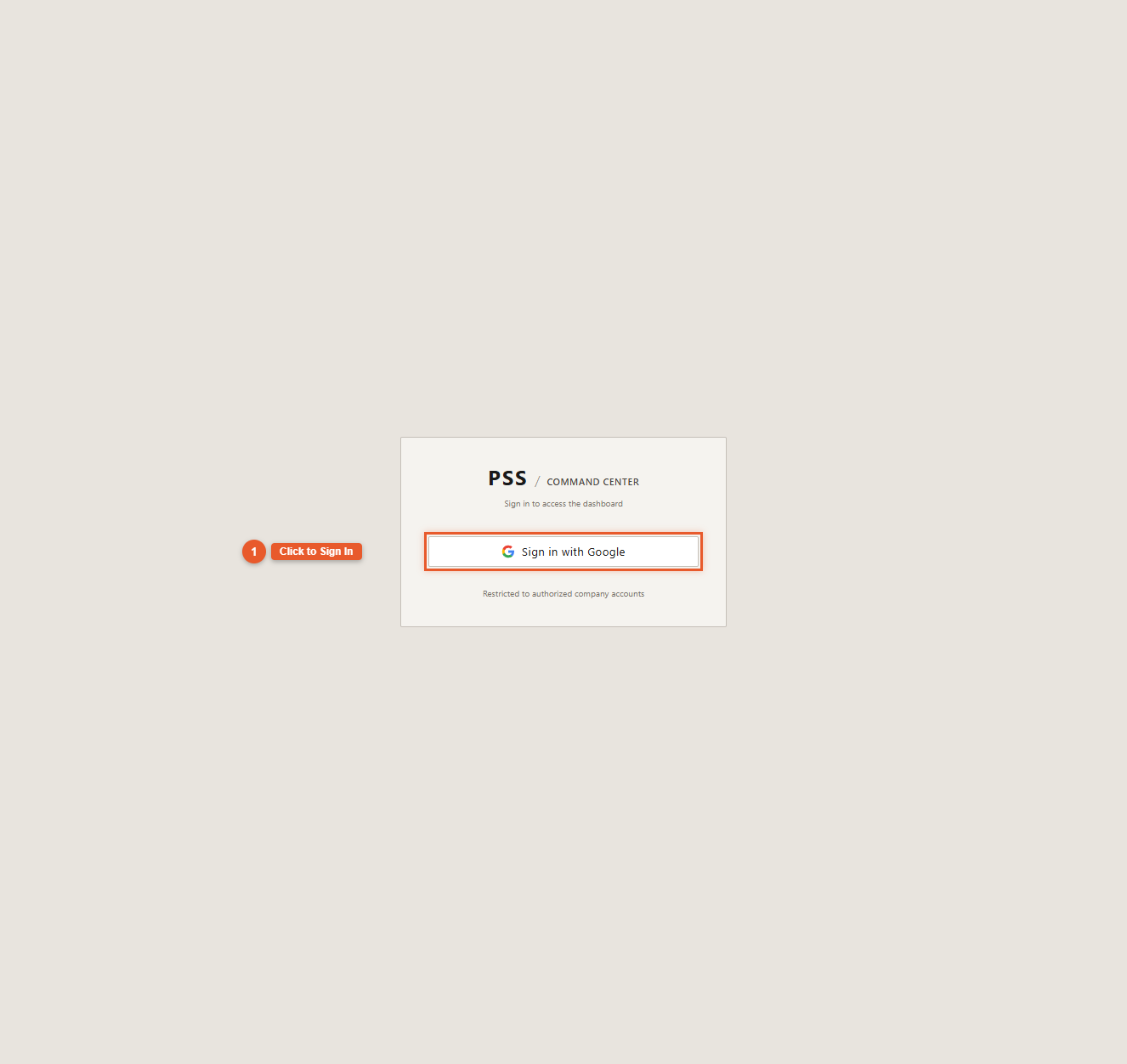
- Navigate to the Command Center URL
- Click Sign in with Google
- Select or enter your PSS email address
- Google authenticates you and returns you to the dashboard
The boot sequence

After signing in, you will see the boot sequence — a radar sweep animation that runs while the system loads your initial data. This is not just decorative: the boot sequence is actively warming the data cache in the background, fetching workers, equipment, jobs, purchase orders, and geofences simultaneously.
What this means for you: By the time the boot sequence finishes, all your data is ready. The map loads instantly with no spinner.
Same-day refreshes
If you close and reopen the dashboard on the same day, the boot sequence is skipped entirely. The system detects that your data cache is still warm from your earlier session and goes straight to the operations view. You will see a "Last Sync" timestamp in the status bar showing when data was last fetched.
After the boot sequence — click Sync Now
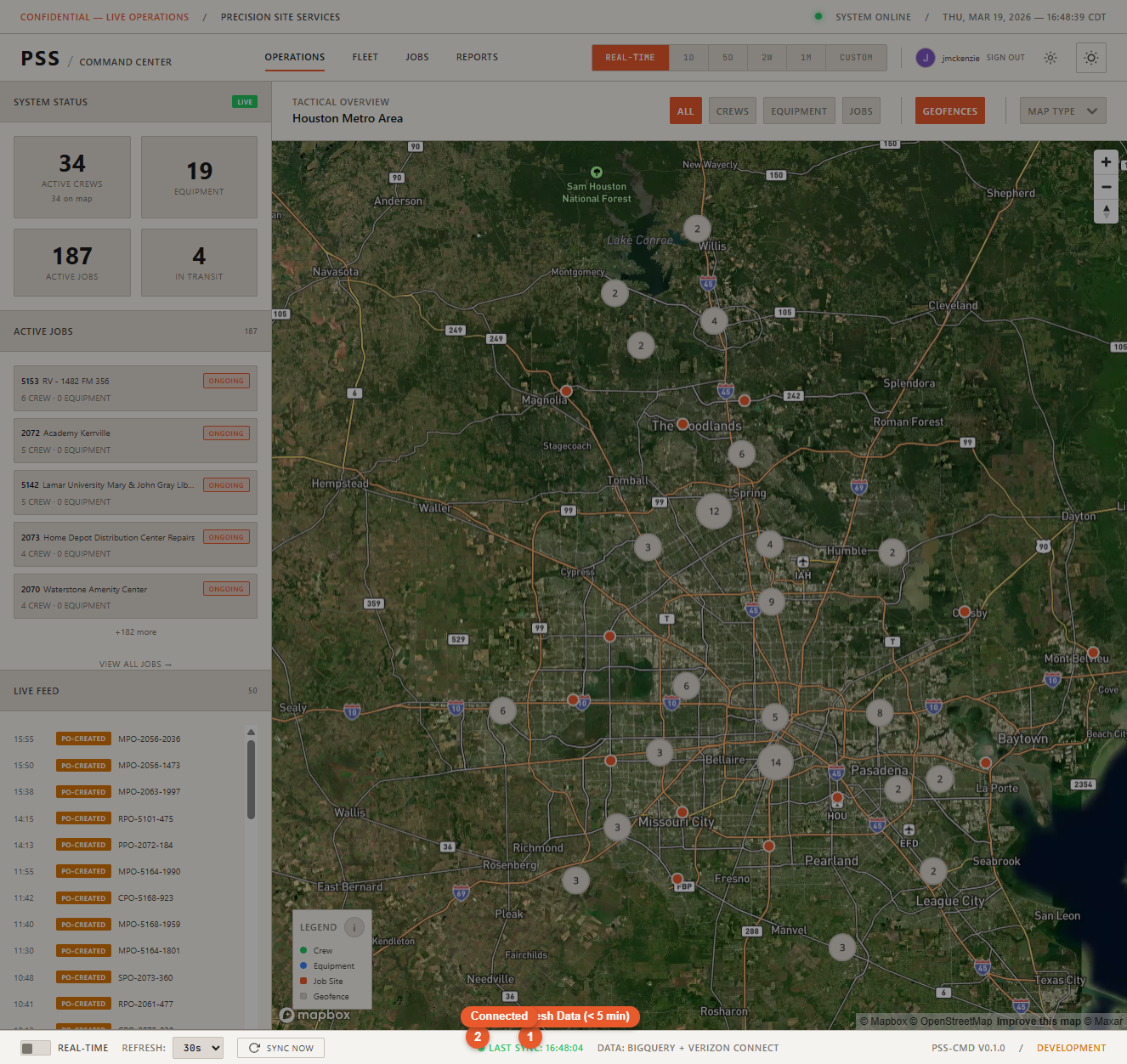
Once the boot animation closes and the map appears, click Sync Now in the status bar at the bottom of the screen. The initial data pull during the animation can occasionally complete before all map markers are ready to render, so a manual sync immediately after login ensures all workers, equipment, and job sites appear on the map correctly.
This is a one-time step each time you sign in fresh.
Signing out
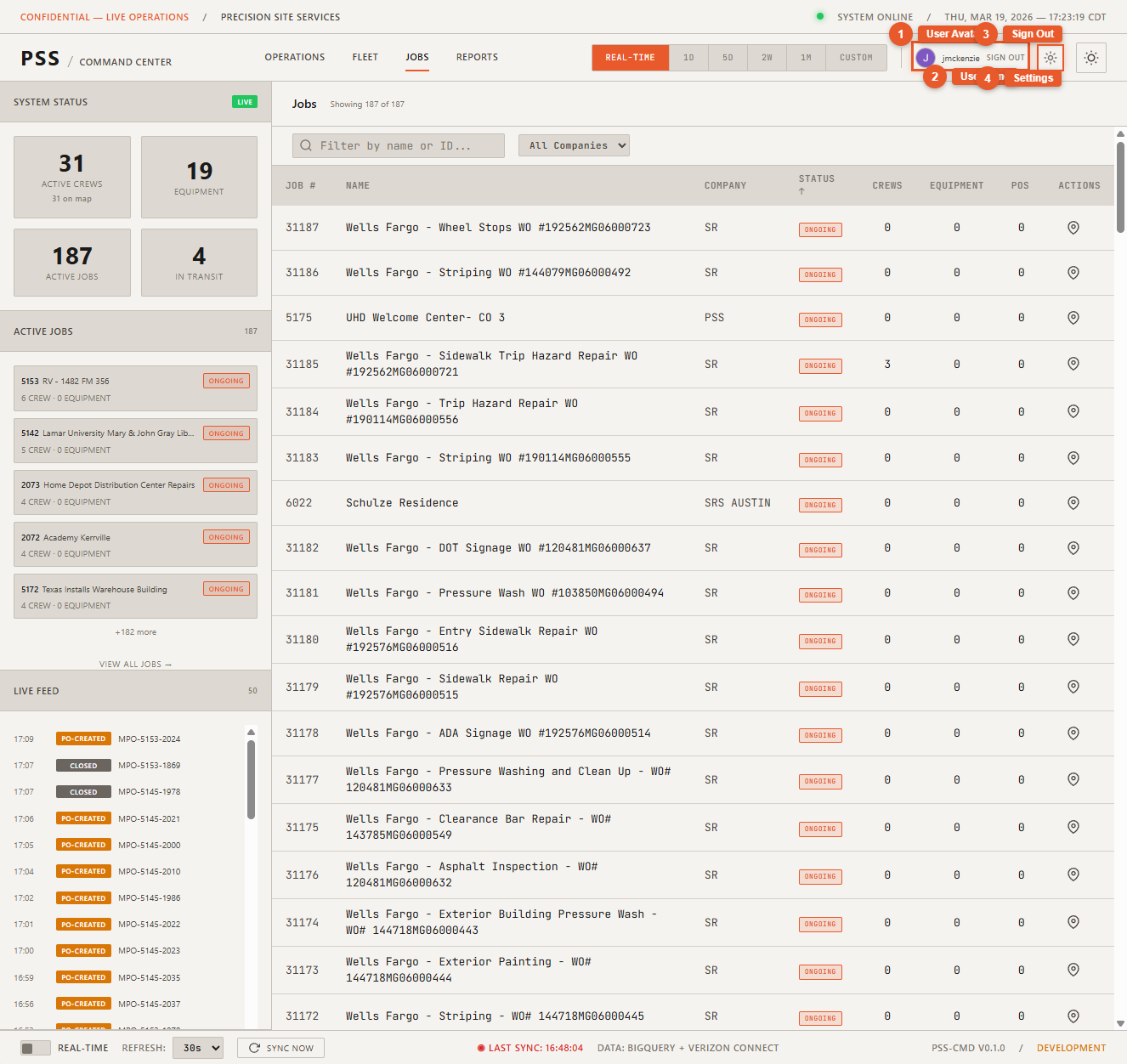
Use the user menu in the top-right corner of the navbar to sign out.