Views and Filters
What is a View?
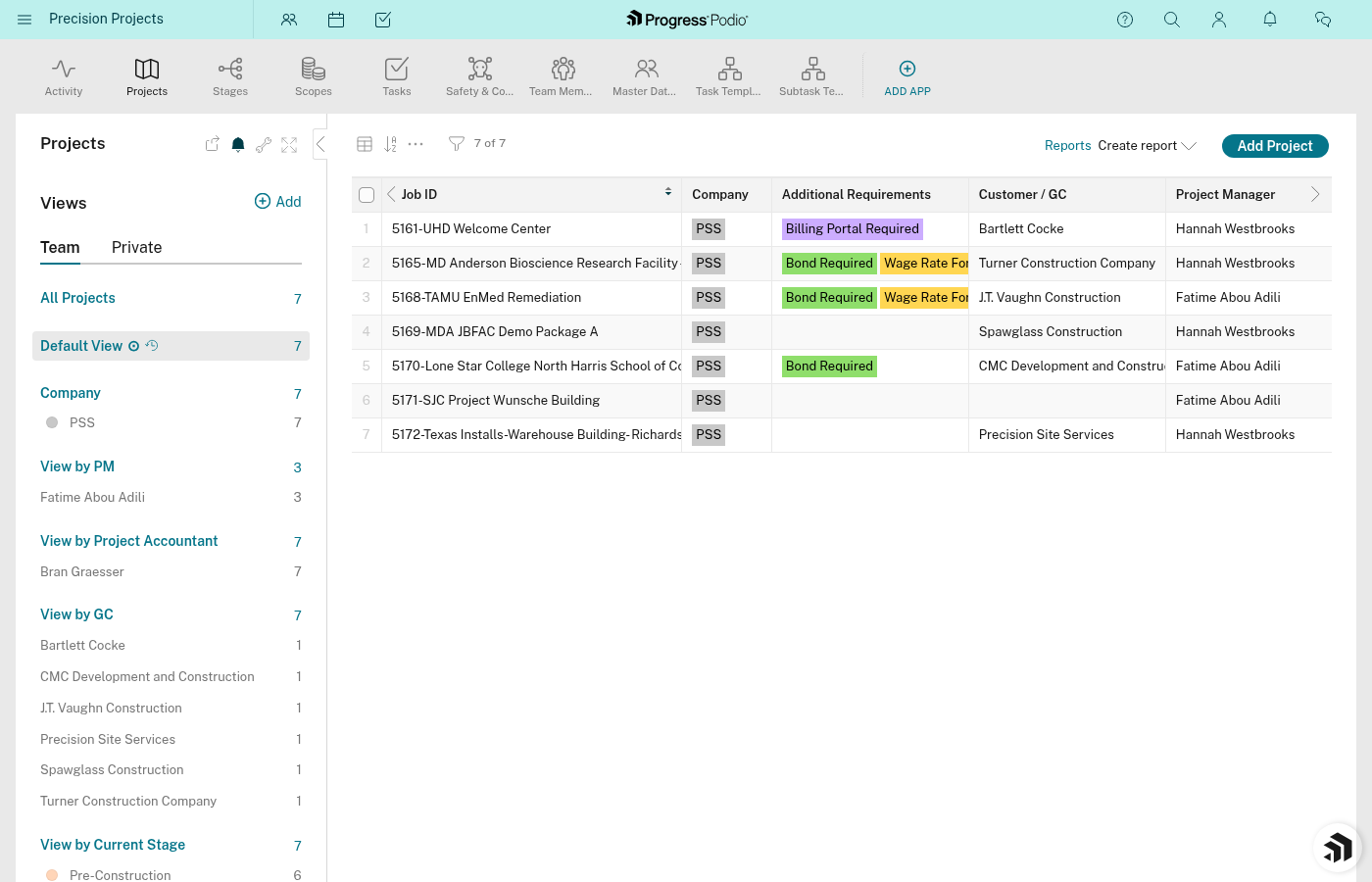
A view is a saved way of looking at your data. Same app, different lens.
Think of it like this: Your Tasks app might have 500 tasks across all projects. A view lets you see only the tasks that matter to you right now.
Why Views Matter
Without views, you'd scroll through everything to find what you need. With views, you can instantly see:
- "My tasks due this week"
- "All Pre-Construction tasks for active projects"
- "Overdue items"
- "Concrete division projects only"
How Filtering Works
Filters are the rules that decide what shows up in a view.
| You Want to See | Filter By | Example |
|---|---|---|
| Your own tasks | User field | Responsible = [Your Name] |
| Tasks due soon | Date field | Due Date = This Week |
| Only active projects | Category field | Current Stage Status = Construction Active |
| Specific division | Category field | Division = Concrete |
| Incomplete tasks | Status field | Status ≠ Complete |
You can stack filters. "My tasks" + "Due this week" + "Not complete" = Your urgent to-do list.
Common Views You Might Create
For Tasks
| View Name | Shows You |
|---|---|
| My Open Tasks | Tasks assigned to you that aren't complete |
| Due This Week | All tasks due in the next 7 days |
| Overdue | Tasks past their due date |
| By Project | Grouped by which project they belong to |
For Projects
| View Name | Shows You |
|---|---|
| Active Projects | Projects where Current Stage Status isn't blank |
| Pre-Construction | Projects in Pre-Construction Active |
| My Projects | Projects where you're PM, OC, or FOCS |
| By Division | Grouped by Concrete, Drywall, Other |
For Stages
| View Name | Shows You |
|---|---|
| Active Stages | Stages currently in progress |
| Needs Attention | Stages with open issues count > 0 |
Sorting and Grouping
Views can also control order and grouping:
Sorting — Put items in a specific order
- Tasks by Due Date (soonest first)
- Projects by Date Entered (newest first)
- Tasks by Status (Pending → In Progress → Complete)
Grouping — Cluster items by a field
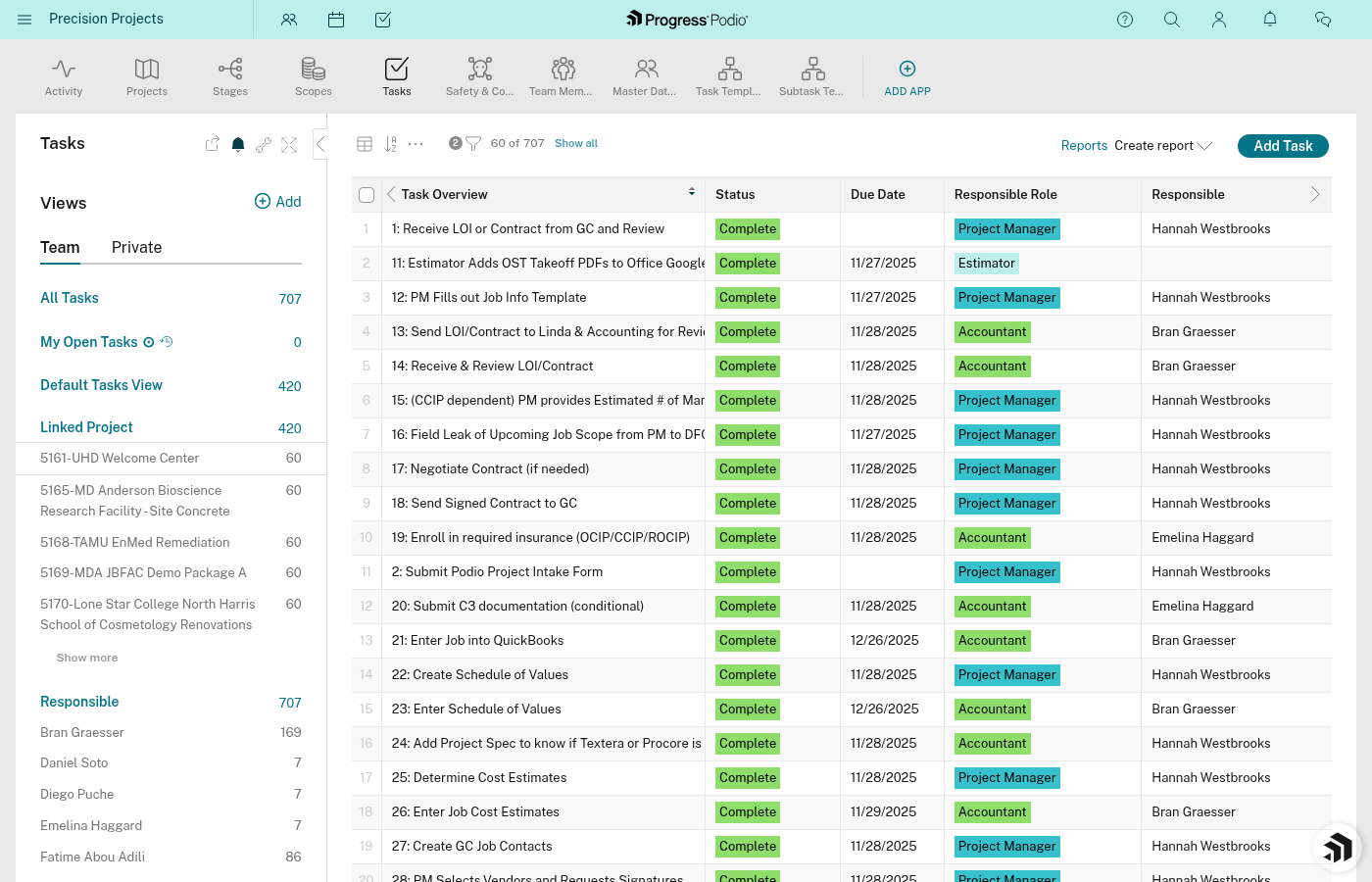
- Tasks grouped by Linked Project
- Projects grouped by Division
- Tasks grouped by Responsible
Personal vs Shared Views
| Type | Who Can See It | When to Use |
|---|---|---|
| Personal | Just you | "My tasks", custom workflows |
| Shared | Everyone in workspace | Standard views the team needs |
Creating personal views doesn't affect anyone else. Experiment freely.
The Default View
Every app has a default view—what you see when you first open the app. This is usually "All items" with no filters.
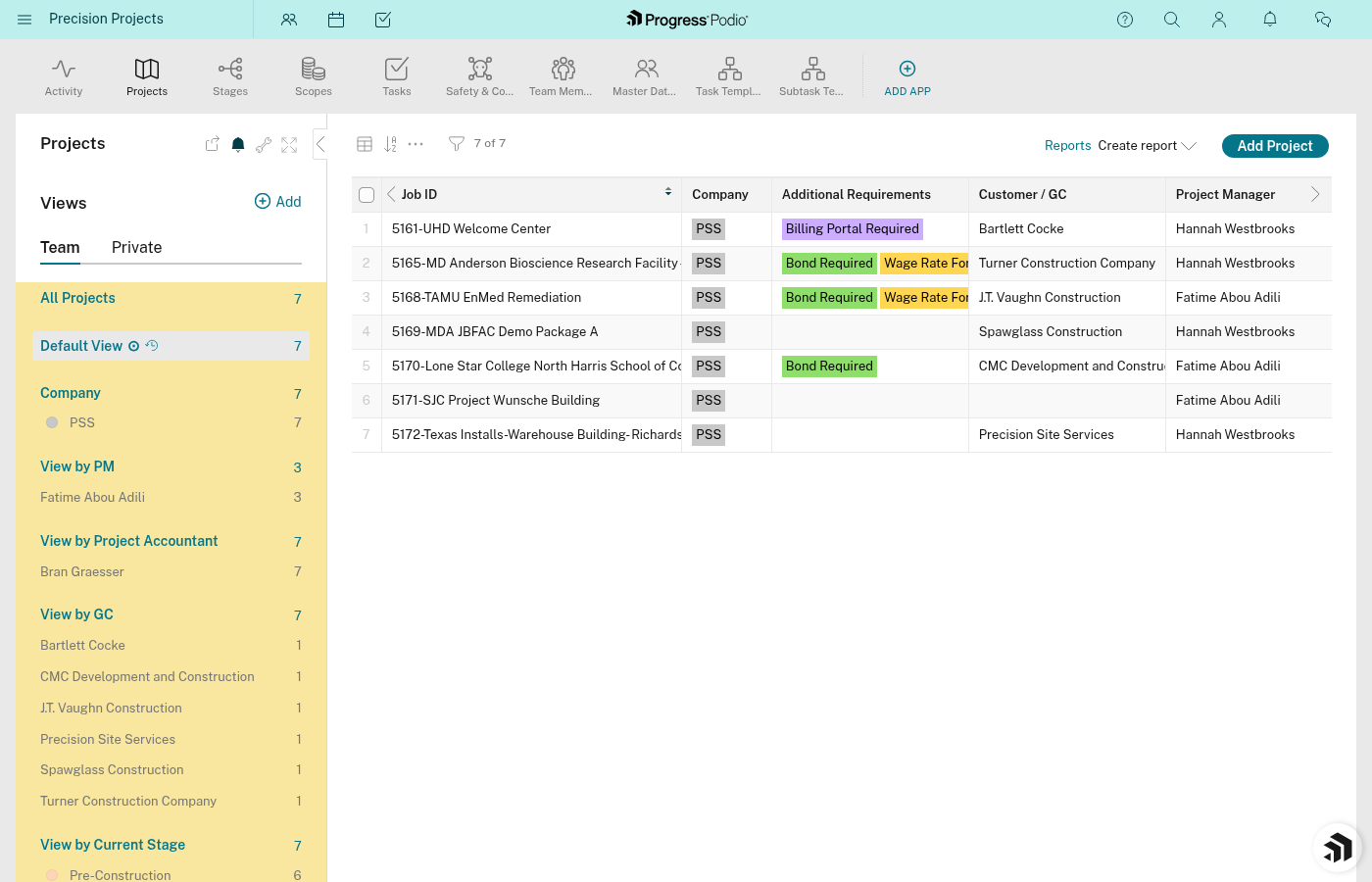
If you always need to see the same filtered view, save it as a personal view (visible only to you) and it will appear in the app's left sidebar for one-click access.
Relationship Filters
Because apps are connected, you can filter based on related items:
- Show tasks where Linked Project's Division = Concrete
- Show stages where Linked Project's Current Stage Status = Active
- Show contacts linked to projects with specific PMs
This is powerful. You're not just filtering by the item's own fields—you're filtering by what it's connected to.
Quick Mental Model
- App = All possible items of that type
- View = A filtered slice of the app
- Filters = The rules that create the slice
- Sorting = The order of items in the slice
- Grouping = How items cluster together
Related Docs:
- Apps and Items — What you're viewing
- Fields and Data — What you filter by
- Our Apps Explained — Context for useful views